Edit Game Saves Online
The easiest way to modify your save files. No download required. 100% Free. Supports RPG Maker, Ren'Py, Unity, Unreal Engine and more.
Drop your save file here
or click to browse · We'll auto-detect the game engine
Or choose your game engine directly
How It Works
Edit your game saves in three simple steps. No installation, no registration - just results.
Upload Save File
Drag & drop or select your game save file. Everything processes locally in your browser.
Edit Values
Modify gold, stats, items, and variables with our visual tree editor.
Download & Play
Download your modified save file and replace the original. Done!
Why Choose SaveEditor.Online?
100% Secure
Your files never leave your device. All processing happens client-side.
Universal Support
Support for RPG Maker, Unity, Ren'Py, Unreal, and many more engines.
Free & Unlimited
No file size limits, no storage quotas, no hidden fees. Better than paid competitors.
Universal Compatibility
Our intelligent parser automatically detects and edits saves from thousands of games built on these popular engines.
RPG Maker
.rpgsave
Unity
PlayerPrefs
Ren'Py
.save
Unreal
.sav
GameMaker
ini / json
NaniNovel
.nson
Learn Save Editing
Master save editing with our comprehensive guides and tutorials.
GameMaker Save Editing: Complete Guide to INI and JSON Files
Master the art of editing GameMaker Studio save files. Learn to modify INI configurations, JSON saves, and binary formats for games like Undertale, Deltarune, and more.
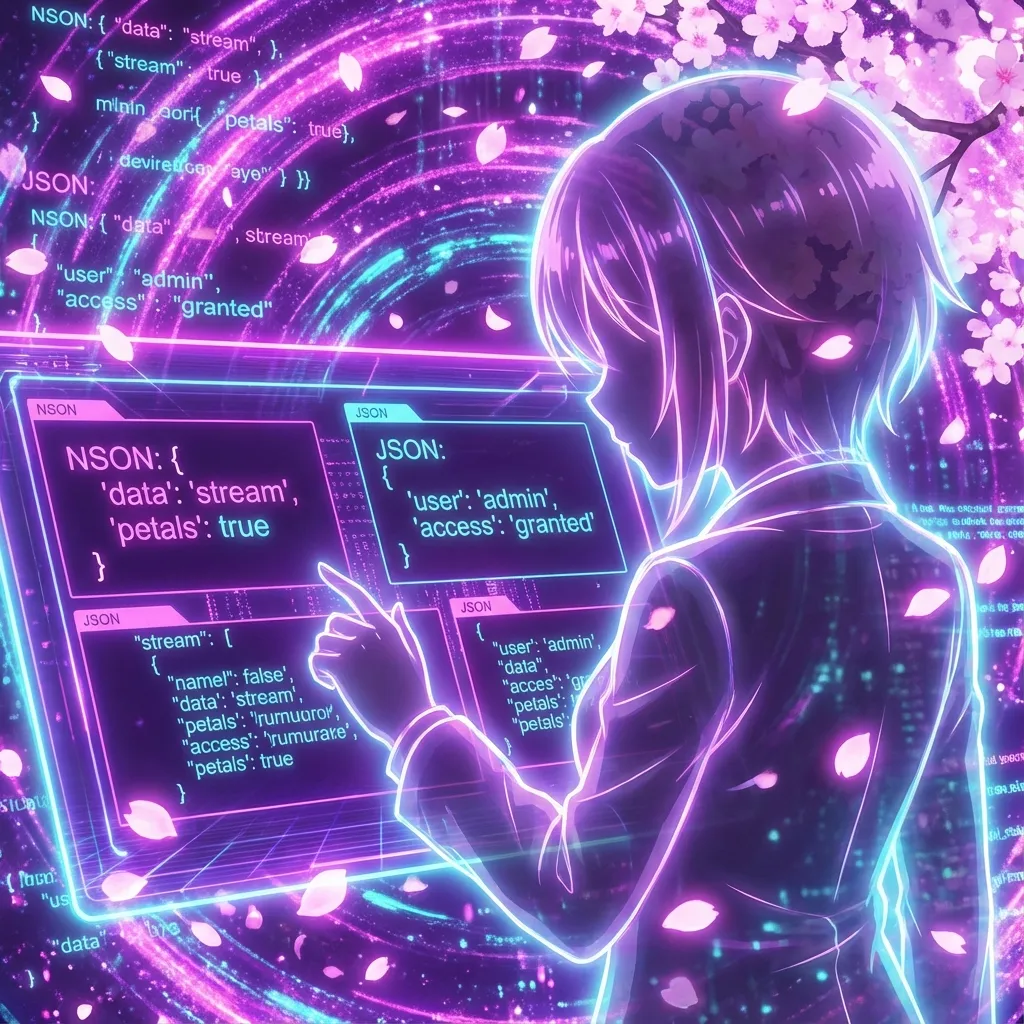
NaniNovel Save Editing: Complete Guide to .nson Files
Learn how to edit NaniNovel visual novel save files (.nson). Comprehensive guide covering NSON format structure, compression algorithms, variable modification, and troubleshooting tips.
How to Edit RPG Maker MV Save Files (.rpgsave) - Complete Guide
A complete guide on how to edit RPG Maker MV save files using our free online tool. Modify gold, stats, items, and variables easily. Works for MV and MZ.
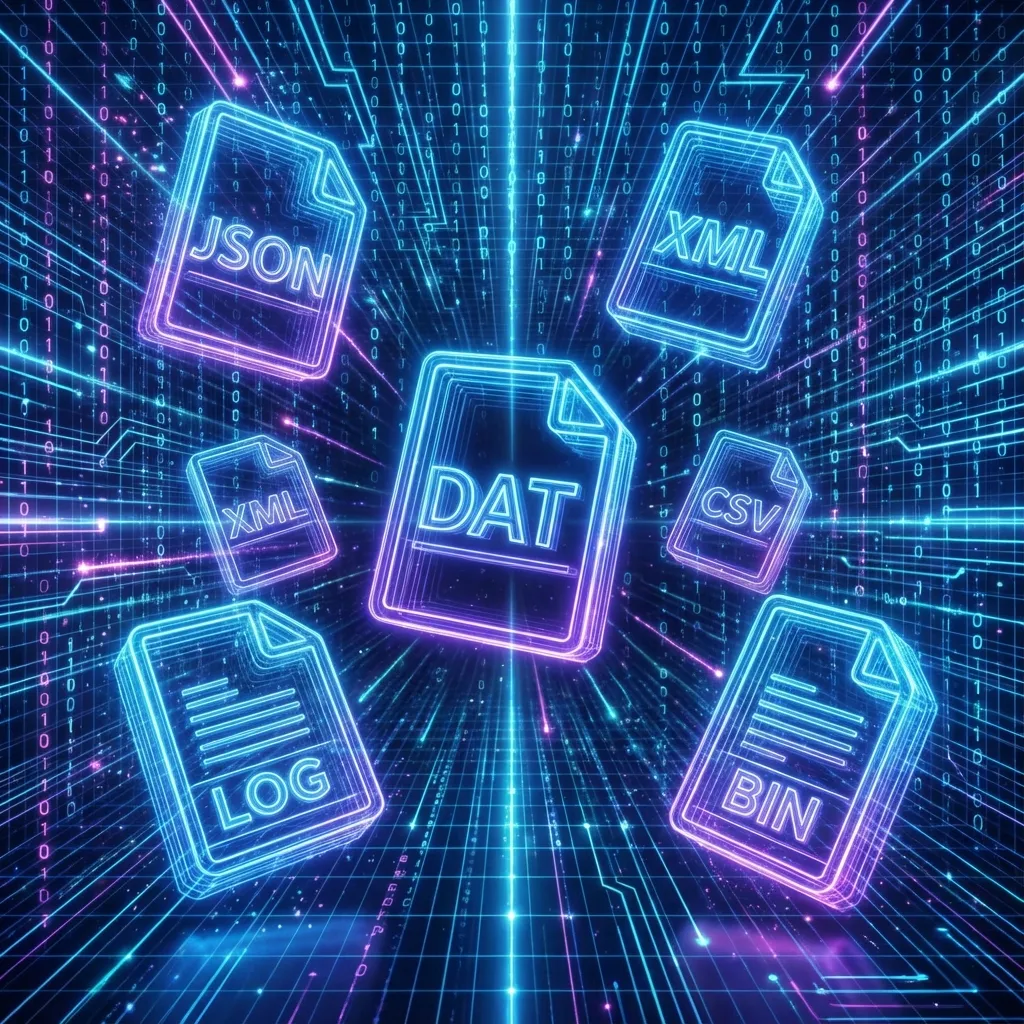
Common Game Save File Extensions Explained - Complete Reference
A comprehensive guide to understanding .json, .xml, .sav, .rpgsave, .save, .dat, and other common game save file formats and how to edit them.
The Ultimate Online Save File Editor
Welcome to SaveEditor.top, the most advanced free online tool for editing game save files. Whether you want to add unlimited gold in an RPG Maker game, unlock all gallery images in a Ren'Py visual novel, or modify stats in a Unity game, our tool makes it safe, fast, and easy.
Why Use a Web-Based Editor?
- No suspicious .exe downloads
- Works on Mac, Windows, Linux, Android
- Always up-to-date instantly
- Process files locally for privacy
Supported Formats
- RPG Maker: .rpgsave, .rmmzsave
- Ren'Py: .save (Python pickle)
- Unity: PlayerPrefs, .xml, .plist
- Generic: .json, .ini, .txt
Unlike other editors that require you to download potentially harmful software or upload your private data to unknown servers, SaveEditor.top runs entirely in your web browser. We use advanced WebAssembly technology to parse and edit your files right on your device. This means your save files never leave your computer or phone.