Ren'Py Save Editing: Complete Technical Guide
Introduction
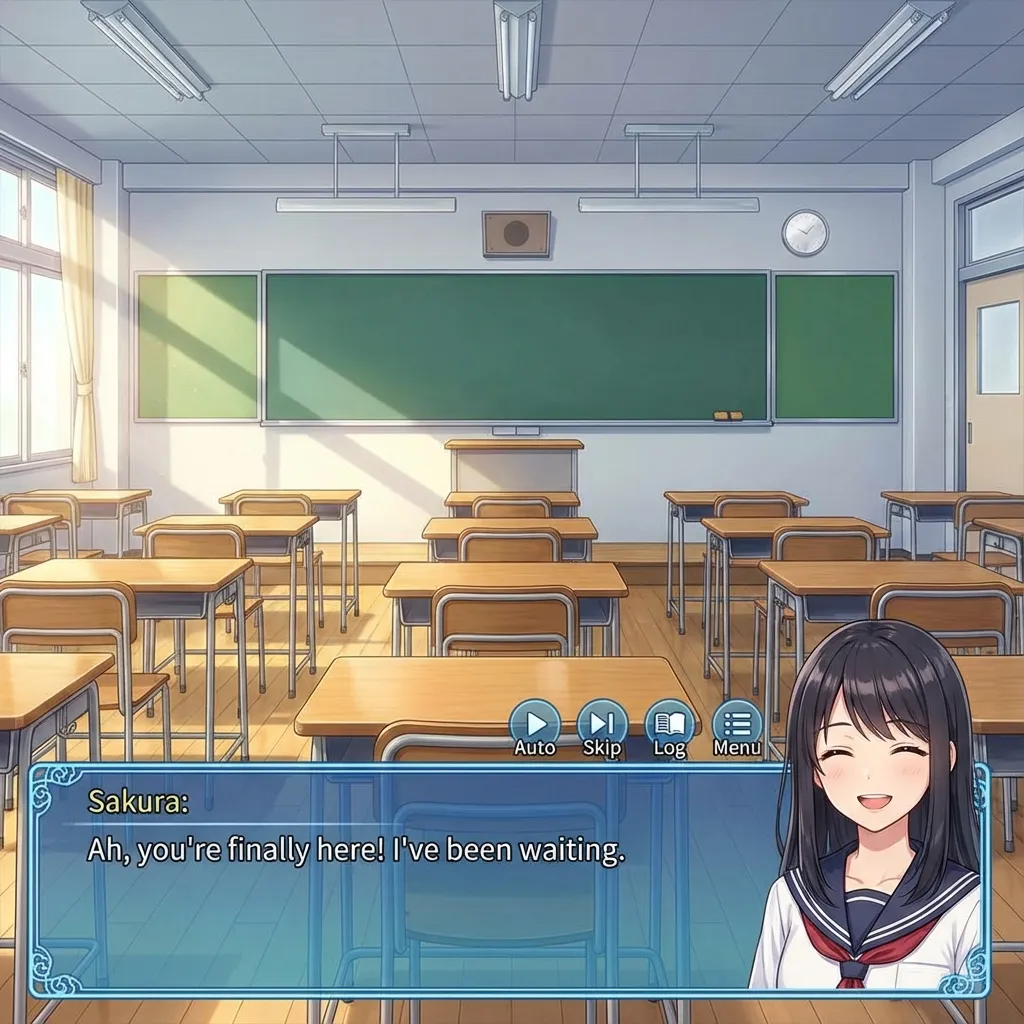
Ren’Py is the most popular engine for creating visual novels, powering thousands of games from indie romance stories to complex narrative adventures. Games like Doki Doki Literature Club, Katawa Shoujo, and countless others are built with Ren’Py.
If you’ve ever wanted to skip a tedious replay, unlock all routes, or just see what happens with different choices, you might have tried to edit your Ren’Py save file – only to discover it’s not as simple as changing a text file.
This guide explains why Ren’Py saves are uniquely challenging to edit and provides practical alternatives for modifying your game progress.
Why Are Ren’Py Saves So Hard to Edit?
Unlike most game engines that store data as JSON, XML, or simple binary structures, Ren’Py uses Python’s built-in pickle module for serialization.
What is Pickle?
pickle is a Python module that can serialize (save) and deserialize (load) almost any Python object, including:
- Classes
- Functions
- Complex nested data structures
- References to other objects
When you save your game in Ren’Py, it doesn’t just save “Affection = 100” as data. It dumps the entire game state – every Python object, every class instance, every variable – into a binary blob.
Problems with Pickle Files
-
Security Risk: Unpickling (loading) data from an untrusted source can execute arbitrary code. This is why building a safe web-based Ren’Py save editor is extremely difficult.
-
Class Dependencies: To properly deserialize a pickle file, you need access to the original class definitions. Without the game’s exact Python code, repickling modified data often results in errors or corruption.
-
Internal References: Python objects can reference each other. Modifying one value might break references elsewhere.
What’s Inside a Ren’Py Save File?
Despite the challenges, we can still read the contents of a Ren’Py save. Here’s what you’ll typically find:
- Game Variables: Flags like
has_met_character,route_completed,affection_points. - Persistent Data: Cross-save data stored in
persistent.*variables. - Rollback History: A record of recent interactions for the rollback feature.
- Current Position: The label and line of dialogue where the save was made.
- Playtime: Total time spent playing.
Our Ren’Py Save Viewer can parse and display this information, which is useful for:
- Debugging game progress
- Checking if a specific route has been triggered
- Verifying variable values
Alternative Methods to Modify Ren’Py Games
Since direct save editing is risky, here are safer alternatives:
Method 1: Developer Console (Recommended)
Most Ren’Py games have a built-in developer console:
- Launch the game.
- Press
Shift + Oto open the console. - Type Python commands directly, e.g.:
affection = 100 has_ending_1 = True - Your changes take effect immediately.
Note: The console may be disabled in some games. Check for a config.console setting.
Method 2: Edit persistent.py
Ren’Py stores cross-save data in a file called persistent. This file is also pickled, but it’s simpler than full saves:
- Locate the persistent file (usually in
game/saves/or%AppData%/RenPy/[gamename]/). - Use a Python script to load, modify, and resave it:
import pickle
with open('persistent', 'rb') as f:
    data = pickle.load(f)
data['gallery_unlocked'] = True
with open('persistent', 'wb') as f:
    pickle.dump(data, f)
Warning: This requires Python installed on your computer and carries the same risks as pickle manipulation.
Method 3: Cheat Mods
Many popular Ren’Py games have community-made cheat mods that:
- Unlock all routes
- Max out affection
- Enable a cheat menu
Search for “[Game Name] cheat mod” on sites like F95zone or Nexus Mods.
Method 4: Unren (Decompilation)
For advanced users, you can decompile a Ren’Py game using tools like unren or unrpyc:
- Decompile the
.rpyscripts. - Find and modify the variable checks.
- Repack the game.
This is the most powerful method but also the most complex and may violate the game’s terms of use.
Save File Locations
Ren’Py games store saves in platform-specific locations:
| Platform | Location |
|---|---|
| Windows | %AppData%\RenPy\[gamename]\ or game\saves\ |
| macOS | ~/Library/RenPy/[gamename]/ |
| Linux | ~/.renpy/[gamename]/ |
| Android | /sdcard/Android/data/[package]/files/saves/ |
Files are named 1-1-LT1.save (slot 1), 2-1-LT1.save (slot 2), etc.
Frequently Asked Questions
Q: Can your online editor modify Ren’Py saves? A: Currently, our editor provides read-only viewing of Ren’Py saves. Full editing support is not available due to the security risks of pickle deserialization.
Q: Why not just support it anyway? A: Executing arbitrary pickle data in a web browser could allow malicious code execution. We prioritize user safety over feature completeness.
Q: Will you ever support full editing? A: We’re exploring safe methods to support limited editing (e.g., modifying simple variables without repickling). Stay tuned for updates.
Q: Is using the developer console cheating? A: For single-player games, it’s your experience. Do whatever makes the game enjoyable for you.
Q: Can I transfer saves between devices? A: Yes! Copy the save folder to the same path on your other device. The format is cross-platform.
Conclusion
Ren’Py’s use of Python pickle makes direct save editing technically challenging and potentially dangerous. However, with alternatives like the developer console, persistent file editing, and community mods, you can still modify your game experience safely.
Our Save Viewer helps you understand your save state, even if direct editing isn’t fully supported – yet. For now, the developer console remains the safest and most powerful tool for Ren’Py modifications.
Further Reading
Learn more about visual novel save editing and related topics:
- 📖 Ren’Py Official Documentation - Official engine documentation
- 🎮 DDLC Game Page - Doki Doki Literature Club save locations
- 📂 Common Save File Extensions - Understanding .save and other formats
- 🔧 Ren’Py Editor - Our save viewer tool
- 🎭 NaniNovel Save Editing Guide - Another visual novel engine
Last updated: January 2026
Related Articles
Ready to edit your save file?
Use our free online editor to modify your game saves instantly.
Launch Save EditorRelated Articles
How to Edit RPG Maker MV Save Files (.rpgsave) - Complete Guide
A complete guide on how to edit RPG Maker MV save files using our free online tool. Modify gold, stats, items, and variables easily. Works for MV and MZ.
How to Edit Unity PlayerPrefs and XML Saves - Complete Guide
A complete guide to modifying Unity game save files on Android, iOS, and PC. Learn how to edit PlayerPrefs, XML, JSON, and Plist files for any Unity game.