How to Edit Palworld Save Files - Complete Guide (2026)
Support Status (February 2026): This Palworld workflow focuses on standard GVAS saves first. If your file is containerized/encrypted, the editor may switch to read-only or recommend dedicated tooling.
Introduction
Palworld has taken the gaming world by storm with its unique blend of creature collection, survival mechanics, and base building. Whether you are recovering from a bug or adjusting progression, this guide shows a compatibility-first workflow for safely inspecting and cautiously editing Palworld saves.
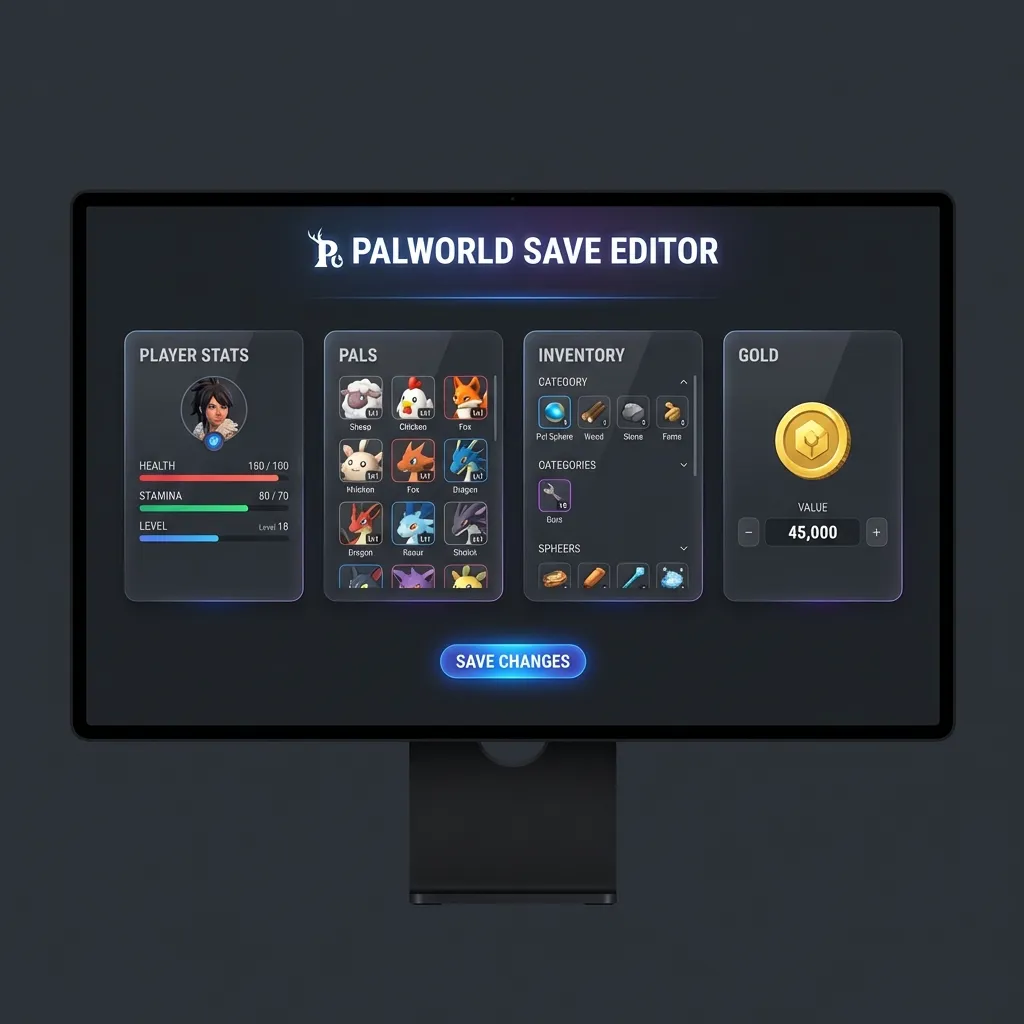
Our free online Palworld save editor helps you inspect save data and make cautious edits on compatible variants without downloading suspicious software. All processing happens in your browser, so your save files never leave your computer.
Palworld Save File Location
Windows (Steam)
%LocalAppData%\Pal\Saved\SaveGames\<SteamID>\Windows (Xbox/Game Pass)
%LocalAppData%\Packages\PocketpairInc.Palworld_<id>\SystemAppData\wgs\Steam Deck (Proton)
~/.steam/steam/steamapps/compatdata/1623730/pfx/drive_c/users/steamuser/AppData/Local/Pal/Saved/SaveGames/Save File Structure
Inside your save folder, you’ll find:
| File | Description |
|---|---|
Level.sav | World data (base structures, wild Pals, etc.) |
Players/<ID>.sav | Your player data (stats, inventory) |
LocalData.sav | Local settings |
Important: For player modifications, you want to edit files in the Players folder.
Step 1: Backup Your Saves
Before making any changes, always create a backup:
- Navigate to your save folder
- Copy the entire folder to a safe location (Desktop, etc.)
- Label it with the date (e.g.,
Palworld_Backup_Jan2026)
Step 2: Upload to the Online Editor
- Go to our Palworld Save Editor (Unreal Engine editor)
- Drag and drop your player
.savfile - Wait for the GVAS parser to process the binary data
Step 3: Find and Edit Data
Not every save exposes the same fields. If the editor shows read-only mode, stop editing and switch to a dedicated Palworld tool.
Once parsed, you’ll see a JSON tree of game data. In compatible saves, these fields are often available:
Edit Gold/Money
Look for properties named:
MoneyGoldCurrency
If these fields exist, change values conservatively and test after each change.
Adjust Pal Stats (When Exposed)
Navigate to CharacterSaveParameterMap to find your Pals:
- Level: Adjust Pal level
- Stats: Tune HP, Attack, Defense values
- PassiveSkills: Review/edit passive abilities
- ActiveSkills: Review/edit active skill slots
Inventory Adjustments (When Exposed)
Find ItemContainerSaveData to modify your inventory:
- Update existing item IDs and stack sizes carefully
- Validate each change in-game before continuing
Player Fields (When Exposed)
Look for PlayerCharacterMakeData:
- Level: Your character level
- HP/Stamina: Base stats
- Technology Points: Adjust progression points cautiously
Step 4: Download and Replace
- Click Download Modified Save only when the editor shows a compatible editable mode.
- Navigate to your Palworld save folder.
- Replace the original
.savfile only after validating your backup. - If the editor is read-only, switch to a dedicated Palworld tool.
Common Questions
Will this work with multiplayer/dedicated servers?
For single-player and co-op (as host): Yes, your local save files can be edited.
For dedicated servers: Saves are stored server-side. You’d need server access to modify them.
Can I get banned for editing saves?
Palworld doesn’t have anti-cheat for single-player/co-op. However, on dedicated servers, admins may have rules against cheating. Use responsibly.
What if my save is corrupted after editing?
- Restore your backup (you made one, right?)
- Make sure you only changed values, not property types
- Don’t modify core structure elements
Can I edit Xbox/Game Pass saves?
Yes, but Xbox saves are in a different location and may have additional sync issues. Make sure to pause cloud sync while editing.
Compatibility Summary
| Category | Typical Access in Compatible Saves |
|---|---|
| Money | Currency fields can often be adjusted |
| Pals | Some level/stats/skills fields may be exposed |
| Inventory | Item arrays are often inspectable, sometimes editable |
| Player | Selected progression fields may be editable |
| Base | Usually inspectable; edit support varies by structure |
| World | Usually advanced/read-only; use dedicated tools when needed |
Tips for Safe Editing
- Edit one thing at a time - Makes troubleshooting easier
- Keep values reasonable - Extreme values may cause crashes
- Don’t modify structural data - Only change property values
- Test immediately - Load your save right after editing
Alternative Tools
If you prefer command-line tools:
- palworld-save-tools (Python): GitHub community tool
- uesave-rs: General GVAS editor in Rust
- PalEdit: Desktop application for Palworld
However, our online editor requires no installation and works on any device!
Further Reading
Expand your save editing knowledge with these related guides:
- 📖 How to Edit Unreal Engine Save Files - Deep dive into GVAS format
- 🎮 Palworld Game Page - Save locations and editable items
- 📂 Common Save File Extensions Explained - Understanding .sav, .rpgsave, and more
- 🔧 Unreal Engine Editor - The tool used in this guide
Conclusion
Editing Palworld save files becomes much safer once you understand the GVAS format and compatibility boundaries. Our Palworld save editor helps inspect and edit standard variants, while clearly flagging unsupported ones.
Whether you’re trying to recover from a bug, experiment with different builds, or just want to enjoy the game your way, save editing gives you complete control over your Palworld experience.
Ready to start? Open the Palworld Save Editor →
Last updated: January 2026
Related Articles
- How to Edit Unreal Engine Save Files (.sav)
- Common Save File Extensions Explained
- Unity Save Editing Guide
Ready to edit your save file?
Use our free online editor to modify your game saves instantly.
Launch Save EditorRelated Articles
How to Edit RPG Maker MV Save Files (.rpgsave) - Complete Guide
A complete guide on how to edit RPG Maker MV save files using our free online tool. Modify gold, stats, items, and variables easily. Works for MV and MZ.
Palworld 100% Complete Save File Download (Level 50 & All Pals)
Download a free Level 50 perfect save file for Palworld. Includes all Legendaries, Level 20 Base, verified map unlock, and unlimited resources. Compatible with Steam and Game Pass.